Adding Aweber To Your Website
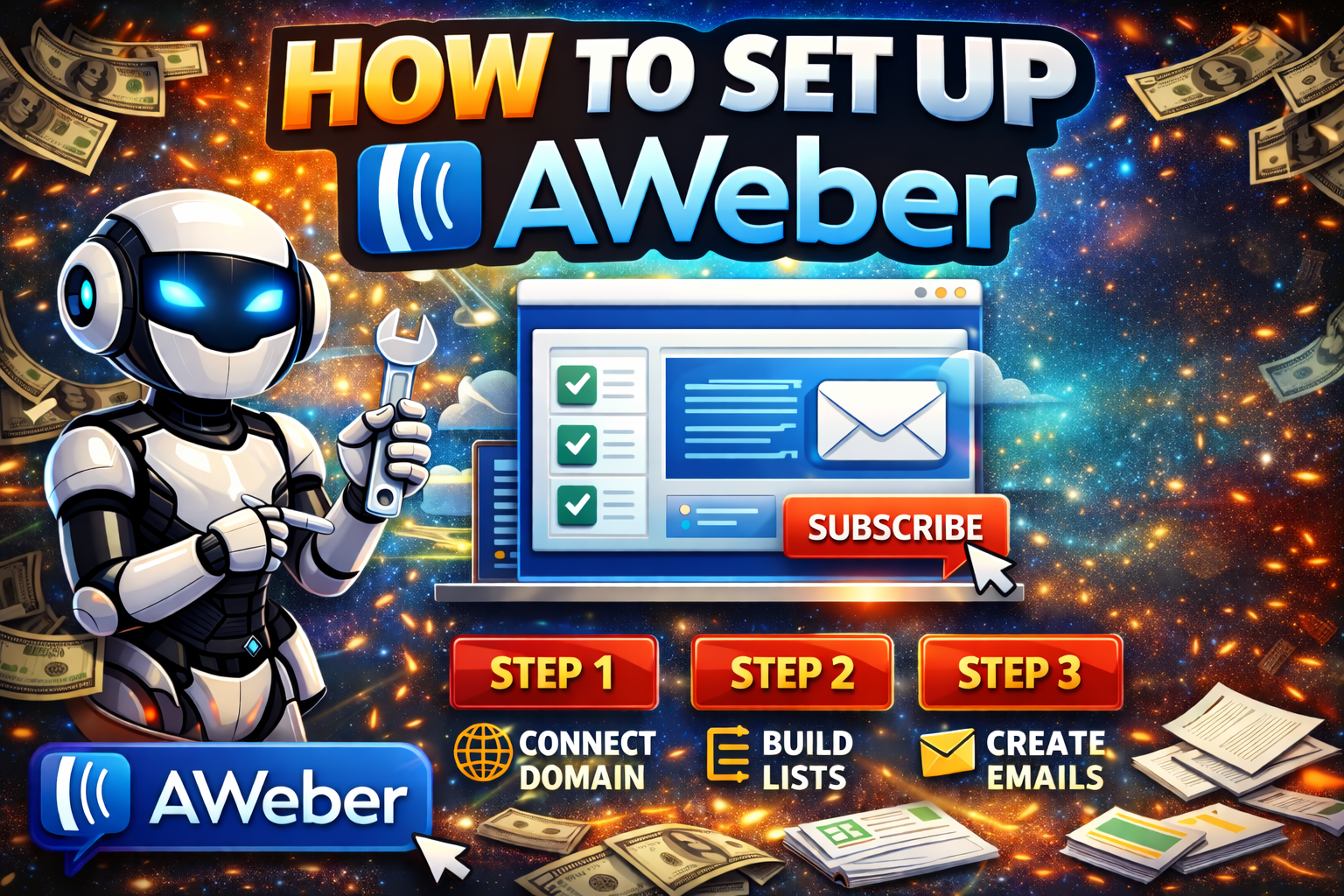
📧 How To Add A Mailing List With AWeber
🎯 What This Video Covers
- Why you need a mailing list
- How to sign up for AWeber
- How to create your first list
- How to add a form to your website
- How to start collecting emails fast
💡 Why Build A Mailing List
- You OWN your traffic (no algorithm risk)
- Follow up = more sales later
- Turn visitors into long-term buyers
- Works for ANY niche (affiliate, local, info, etc.)
👉 “The money is in the list” (because you control it)
🧾 Step 1: Sign Up For AWeber
- Go to AWeber website
- Click Get Started / Sign Up
- Enter:
- Name
- Password
👉 Start with free plan (upgrade later if needed)
⚙️ Step 2: Create Your First List
- Inside dashboard → Create a List
- Fill out:
- List name (example: moneymakingtips)
- From name (your name or brand)
- Description (what they signed up for)
💡 Tip:
Keep it simple and niche-focused
✉️ Step 3: Set Up Your First Email
- Go to Messages → Drafts
- Create a simple welcome email:
- “Here’s your download”
- “Here’s what to expect”
- “Check your inbox daily”
👉 Keep it short + helpful
🧲 Step 4: Create A Signup Form
- Go to Sign Up Forms
- Click Create A Form
- Add:
- Name field (optional)
- Email field (required)
- Button text (ex: “Get Instant Access”)
💡 High-converting button ideas:
- Download Now
- Get Free Guide
- Send Me The Tips
🔗 Step 5: Put Form On Your Website
You have 3 easy options:
Option 1: Copy + Paste HTML
- AWeber gives you form code
- Paste into:
- Your landing page
- Sidebar
- Blog post
Option 2: Use Hosted Form Link
- AWeber gives a direct link
- Use it for:
- Social media
- YouTube descriptions
Option 3: Simple Landing Page
- Create a page like:
- “Free Checklist”
- “Download Guide”
- Add form to the page
👉 This converts BEST
🎁 Step 6: Offer A Lead Magnet
People don’t just “join lists” — they want something
Examples:
- Checklist
- PDF guide
- Calculator
- Template
- Swipe file
💡 Your style:
Use trigger words
- “Download”
- “Calculator”
- “Checklist”
🚀 Step 7: Drive Traffic
Send people to your form using:
- Pinterest pins
- YouTube videos
- Blog posts
- Short videos
- Facebook posts
👉 Match the content → offer
⚡ Simple Funnel Example
- Post tip: “How to save money on groceries”
- Link to: “Grocery Savings Checklist”
- User enters email
- AWeber sends download
- Follow up emails → monetize
🧠 Pro Tips (Important)
- Don’t overcomplicate it
- One list is fine to start
- One simple freebie works
- Focus on getting emails DAILY
👉 You don’t need a big funnel… just:
Traffic → Form → Email → Follow-up
.
.
.
.